Linking Microsoft Learn Account to Partner Center
- Go to https://partner.microsoft.com/en-US/
- Log-in with supplied credentials
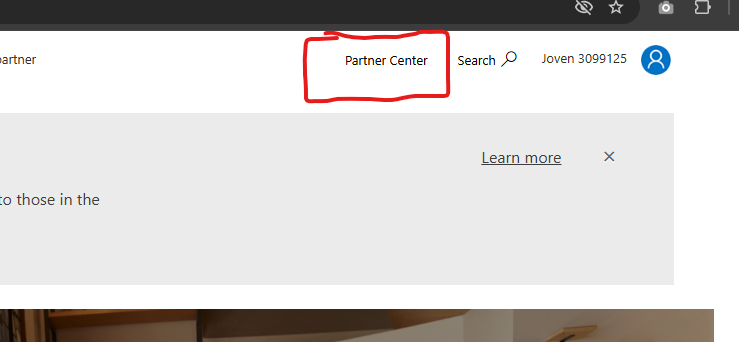
- Once logged in, click on “Partner Center” on the top right corner of the page.
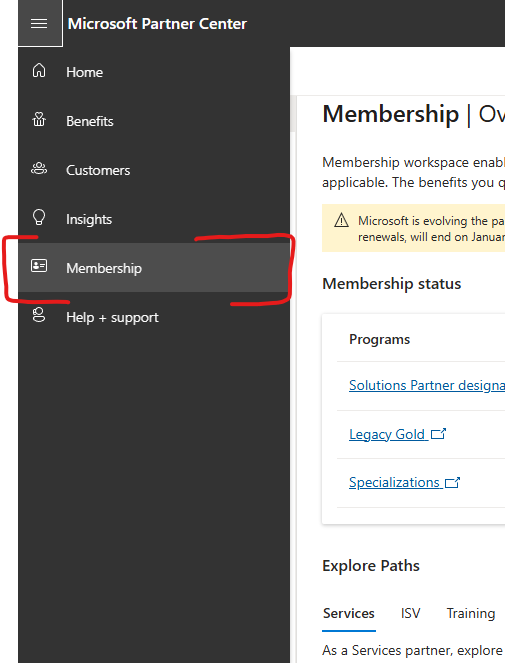
- From the left menu, click on “Membership”
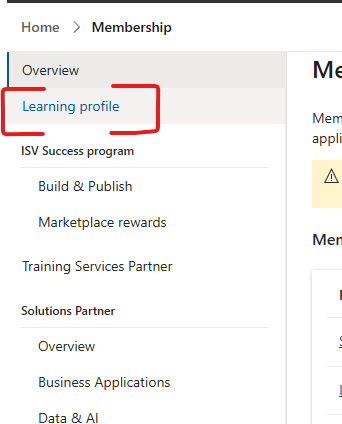
- From the left menu, click on “Learning Profile”
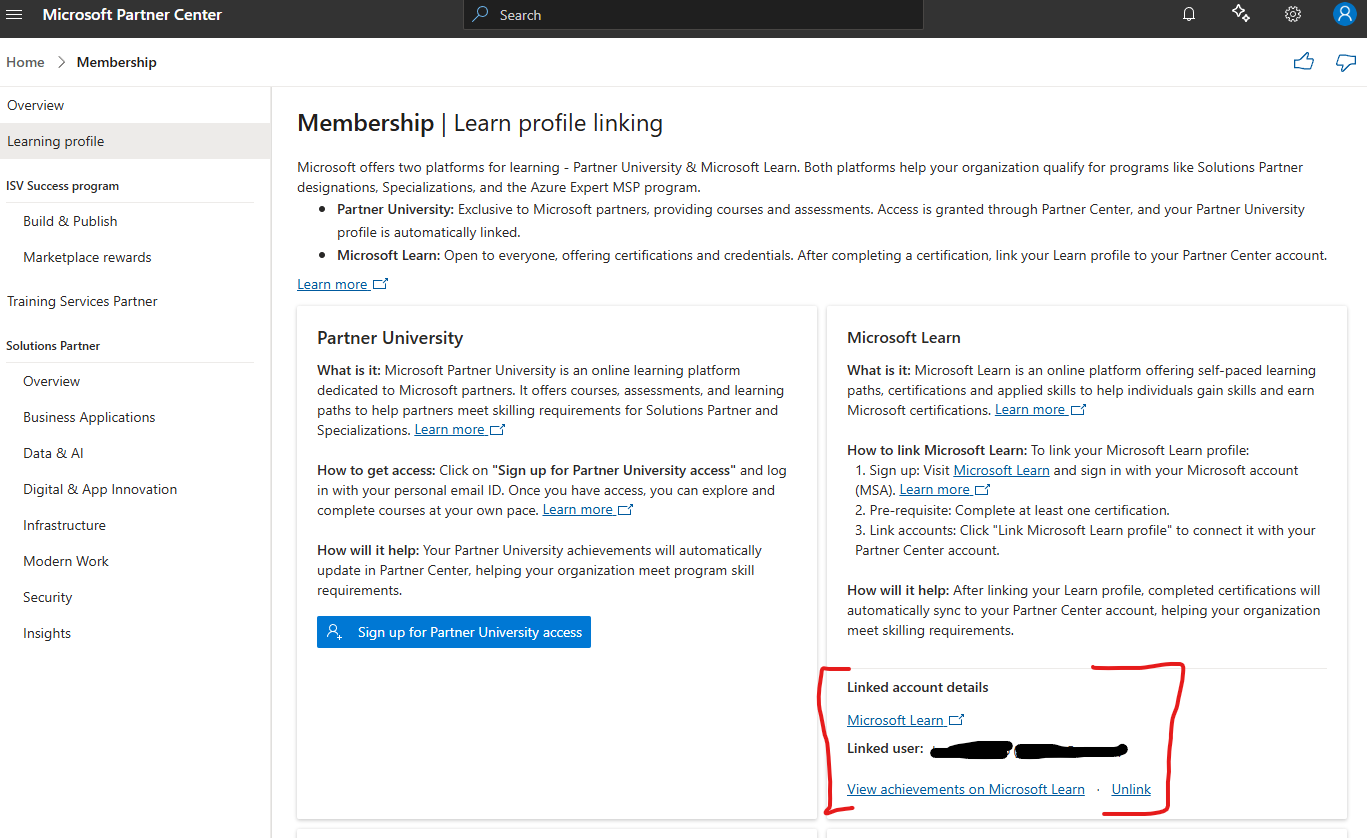
- The Microsoft Learn section will have a link where your can associate your Microsoft Learn account to our company’s Partner Center
IMPORTANT: The Microsoft Learn account that you’re linking must be an account that contains your valid and current credentials
- You’re done!
